
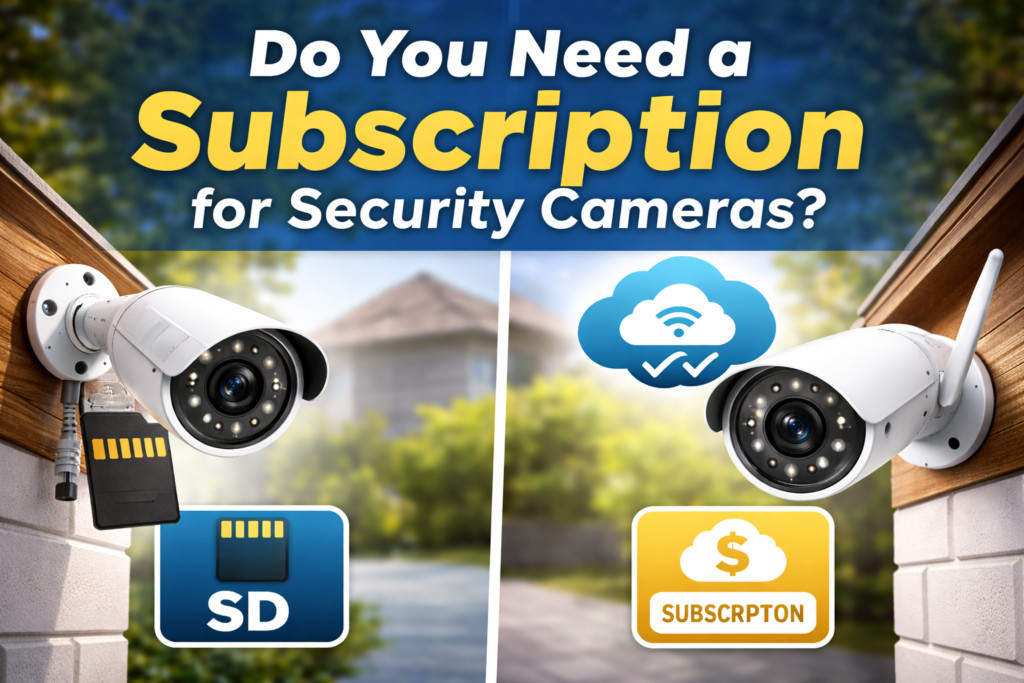
Before you buy that shiny new security camera, read this. The sticker price is rarely the final cost.
You finally decided to secure your home. You found a camera with great reviews and a reasonable price tag of $150. You buy it, install it, and connect it to Wi-Fi.
Then the app hits you with a notification: “Start your 30-day free trial! afterwards, plans start at $4.99/month.”
Suddenly, you realize you bought a piece of hardware that requires a monthly rental fee to actually work. This is the most common confusion point for new smart home buyers. Many homeowners don’t realize the camera price is not always the total cost.
Most security cameras do NOT require a subscription to function.
However, without a subscription many cameras only provide live viewing. Recording history, smart alerts, and video playback usually require either cloud plans or local storage (SD card or NVR).
Here is the most important takeaway of this entire guide:
The difference between how a camera stores video—cloud storage vs. local storage—often matters more than the camera specs itself.
This guide will walk you through exactly what those subscriptions do, the hidden costs over time, and which system fits your living situation best.
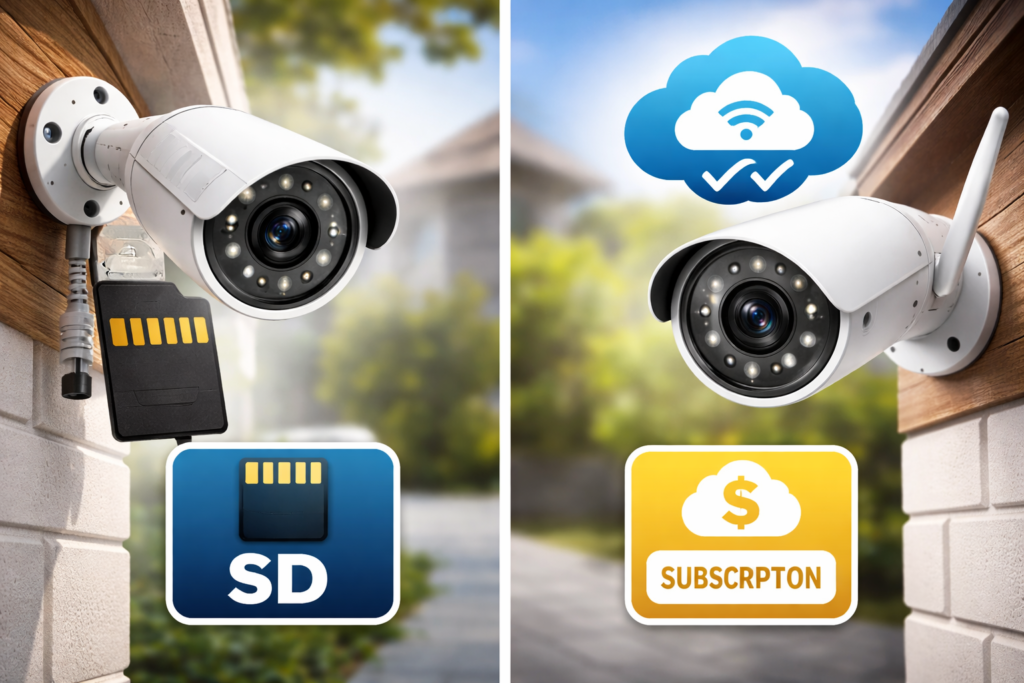
What a Camera Subscription Actually Does
| Feature | Cloud Subscription | Local Storage |
|---|---|---|
| Monthly fee | Yes | No |
| Video history | Yes | Yes |
| Internet required | Yes | Not always |
| Privacy | Lower | Higher |
| Setup difficulty | Easy | Moderate |
| Best for | Apartments | Houses |
When you pay a monthly fee for a security camera like Ring, Nest, or Arlo, you aren’t just paying for storage space on their servers. You are paying to unlock the camera’s software capabilities.
Without a subscription, many modern Wi-Fi cameras are surprisingly limited. They function primarily as live-streaming devices. You can open your phone app and see what is happening right now.
However, if someone broke in an hour ago, you might not have any record of it.
A typical subscription plan (usually $3 to $10 per month per camera) generally provides:
- Cloud Recording: Video clips are uploaded instantly to the company’s servers. They are usually saved for 30 to 60 days.
- Video History: The ability to scroll back through a timeline to see past events.
- Rich Notifications: Instead of just “Motion detected,” your phone shows a thumbnail snapshot of who is at the door.
- Smart AI Detection: This is crucial. The subscription powers the AI that tells the difference between a swinging tree branch, a stray cat, a delivery package, or an actual person. Without this, you may get 50 false alarms a day.
Important Note: The camera hardware still works without the subscription. But it becomes a basic monitor rather than a proactive security guard.
Cameras Without Subscription (Local Storage)
Local storage means the video footage is kept in your physical possession. It never leaves your property.
There are two main ways cameras handle local storage:
- MicroSD Cards: The camera has a small slot for a memory card, exactly like the ones used in digital cameras. The footage records directly onto that card. When the card is full, it usually loops over and deletes the oldest footage to make room for new clips.
- NVR Systems (Network Video Recorder): This is for more robust setups. Multiple cameras feed their video via cables or Wi-Fi to a central box hidden in your closet. That box contains a large hard drive that stores weeks or months of 24/7 footage.
Many brands, such as Eufy, Reolink, and Wyze, offer robust local storage options that don’t require mandatory monthly fees to view recorded clips.
The Pros of Local Storage
✅ No Monthly Cost: Once you buy the hardware and the memory card, you are done paying.
✅ Privacy Control: Your video footage stays in your house. It is not sitting on a tech company’s server in another state.
✅ Internet Independence: If your Wi-Fi goes down, many local storage cameras will keep recording to their SD card anyway.
The Cons of Local Storage
❌ Manual Management: If the camera is mounted high up and the SD card fails, you have to get a ladder to replace it.
❌ Risk of Hardware Theft: If a burglar sees the camera and steals the actual device, they have also stolen the footage of them doing it. (NVRs solve this by hiding the recorder separate from the camera).
❌ Limited Remote Features: While you can usually view local footage via an app away from home, it is often slower to load than cloud footage.
INFO BOX: The Privacy Question
Did you know? When you use cloud storage, you are trusting a third party with videos of your home life. While major companies have strong security protocols, data breaches happen. If absolute privacy is your main priority, local storage that is kept offline is the safest route.
Cloud Storage Cameras
When you use cloud storage, your camera is essentially just a lens and a Wi-Fi transmitter.
As soon as it detects motion, it encrypts that video file and shoots it up to the internet. The heavy lifting—analyzing the video for faces, storing it, and sending it to your phone—happens on remote servers managed by Amazon (Ring), Google (Nest), or others.
This is the easiest route for most consumers because it requires zero technical knowledge to set up.
The Pros of Cloud Storage
✅ Maximum Convenience: Everything is managed for you. You don’t have to worry about formatting SD cards or managing hard drive space.
✅ Instant Remote Access: Because the video is already online, pulling up history on your phone over cellular data is usually incredibly fast and smooth.
✅ Off-Site Safety: If a burglar smashes your camera with a baseball bat, it doesn’t matter. The footage of them doing it was safely uploaded to the cloud seconds before the impact.
The Cons of Cloud Storage
❌ Perpetual Monthly Fees: These fees add up significantly over the life of the product (see the next section).
❌ Internet Dependent: No Wi-Fi means no recording. If your internet service is spotty, your security system will be too.
❌ Bandwidth Usage: Cameras constantly uploading HD video can slow down your home network if you don’t have fast upload speeds.
Cost Over 3 Years (Important Section)
This is where the math gets eye-opening. Security cameras are generally long-term purchases. You should evaluate the cost over at least a three-year period, not just the day you buy it.
Let’s compare a popular cloud camera versus a popular local storage camera. We will assume you only need one main camera for the front door.
- Scenario A (Cloud): A $150 brand-name camera that requires a $5/month subscription for recording.
- Scenario B (Local): A $150 brand-name camera that uses a MicroSD card (a high-endurance 128GB card costs about $20 one time).
Here is how that looks over 36 months:
| Cost Factor | Cloud Camera System | Local Storage System |
| Upfront Hardware Cost | $150.00 | $150.00 |
| Additional Hardware (SD Card) | $0.00 | $20.00 |
| Monthly Fee ($5 x 36 months) | $180.00 | $0.00 |
| Total 3-Year Cost | $330.00 | $170.00 |
The Analysis:
In just three years, the subscription cost ($180) actually exceeds the original cost of the camera itself ($150).
If you have a larger home requiring four or five cameras, some companies force you into a higher tier plan costing $10 or $15 a month. Over three years, that is $360 to $540 just in subscription fees.
Which Option Is Better for Different Homes?
There is no single “best” system. It depends entirely on your living situation, budget, and patience for technology.
The Apartment Renter: Go Cloud or Hybrid
If you are renting, you cannot drill holes for wiring. You need something wire-free and easy to move.
- Recommendation: A battery-powered Wi-Fi camera is best here. A basic cloud subscription is usually fine because you probably only need one camera at the front door. The convenience outweighs the cost for a single device.
The Suburban Homeowner: Go Local (NVR)
You own the house and you probably need 4 to 8 cameras to cover the driveway, backyard, and doors.
- Recommendation: Paying subscriptions on 8 cameras is extremely expensive. An NVR system with local hard drive storage is far more cost-effective. It also doesn’t clog up your family’s Wi-Fi bandwidth.
The Long-Term Security Buff: Go Hybrid
You want the best of both worlds: 24/7 recording without fees, but instant alerts on your phone.
- Recommendation: Many modern local storage cameras (like newer Eufy or Reolink models) offer AI detection on the device itself without a fee. They record locally to an SD card, but send free push notifications to your phone when they see a person. This is often the perfect balance for most people.
Storage choice also affects whether wired or wireless cameras are better for your home.
Conclusion
Are security camera subscriptions a scam? No.
They provide a legitimate service: massive server space for your videos and advanced AI processing that requires ongoing computing power. For people who want “set it and forget it” simplicity, the $5 a month is worth every penny for the peace of mind and ease of use.
But do you need one? Absolutely not.
Many homeowners are paying monthly fees out of habit without realizing excellent, fee-free alternatives exist. By choosing a camera with robust local storage capability, you can have a secure home without renting your security system forever. Before you buy, check the box to see where the video goes.
Frequently Asked Questions
Can a security camera record without subscription?
Yes. Cameras with SD cards or NVR systems record locally without monthly fees.
Do Ring cameras work without subscription?
Yes, but you only get live viewing. Video history and recorded clips require a plan.
Is local storage safer than cloud storage?
Local storage offers more privacy, but cloud storage protects footage if the camera is stolen.